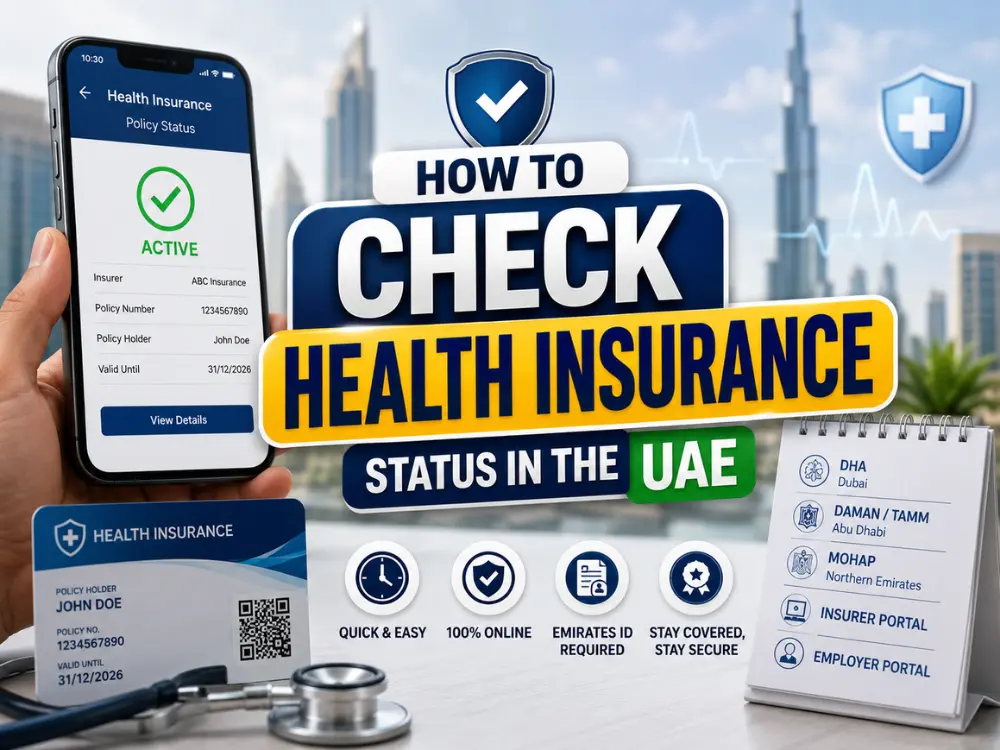
Here is how to check health insurance status in the UAE in a few minutes. Whether you’re visiting a hospital, renewing your visa or confirming your cover is still active, you usually check through your insurer’s app or website using your Emirates ID or policy number. In Abu Dhabi, TAMM and Daman also offer online health insurance services. This guide covers each option, including what to do if you don’t know who your insurer is.
Quick Answer
You can check your UAE health insurance status online using your Emirates ID through:
Your insurer’s or TPA’s app or website (Dubai)
Daman / TAMM (Abu Dhabi)
Your insurer, TPA or sponsor (Northern Emirates)
Your employer’s HR portal
At a Glance
Detail
Answer
Time required
2 to 5 minutes
Documents needed
Emirates ID
Available online
Yes
Cost
Free
Applies to
Dubai, Abu Dhabi, and the Northern Emirates
This is a complete, step by step guide to checking health insurance status in UAE, covering every channel, what “active” actually means, and exactly what to do if your status shows inactive.
What You Need Before You Start
Emirates ID number and expiry date
Insurance card, physical or digital, if you have one
Policy number, often shown on the card or a welcome email
Employer HR contact, if you’re on a company plan
Insurer or TPA name, if known
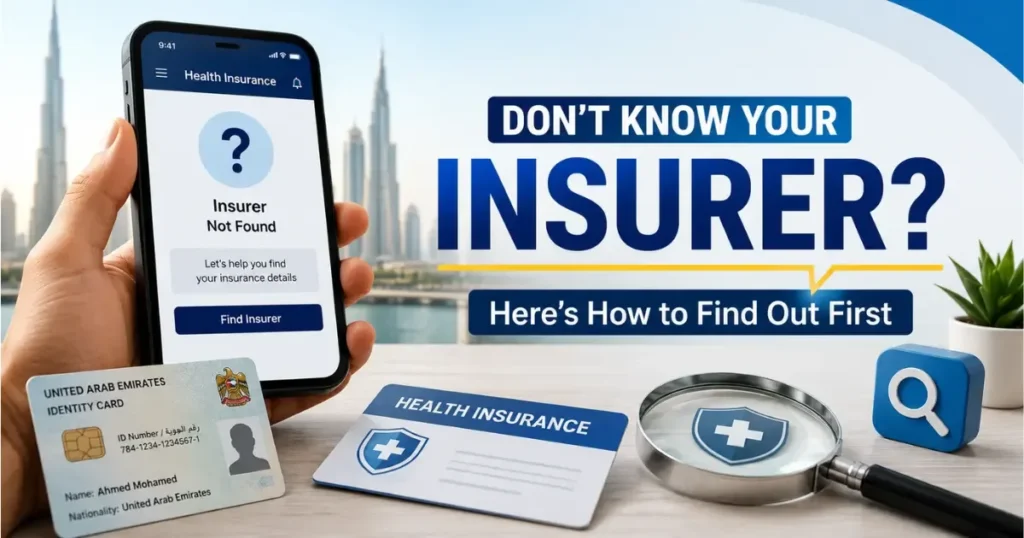
Don’t Know Your Insurer? Here’s How to Find Out First
Yes, you can still track this down without a card in hand.
Check your insurance card, it typically shows the insurer name, TPA name, and member ID
Search your email or WhatsApp for “policy schedule,” “e-card,” or “member ID”
Check your onboarding or salary documents, HR often includes insurer details when you join
Ask your HR department or sponsor directly
How to Check Health Insurance Status in the UAE by Emirate
Your Emirates ID or policy number is usually all you need for the options below, and no separate registration is required just to look up your status.
Dubai: Check Through Your Insurer, TPA or Employer
When we checked in September 2026, the DHA website did not offer a public page for looking up your health insurance status by Emirates ID. Searching the site for “insurance” returned no such service. Many guides still describe an “Insurance Card Validation” tool, but we could not find one.
In Dubai, check your status through:
Your insurer’s app or website: log in with your Emirates ID or policy number.
The TPA portal named on your insurance card.
Your insurer’s customer service line, with your Emirates ID ready.
Your employer’s HR team, if your plan is company-sponsored.
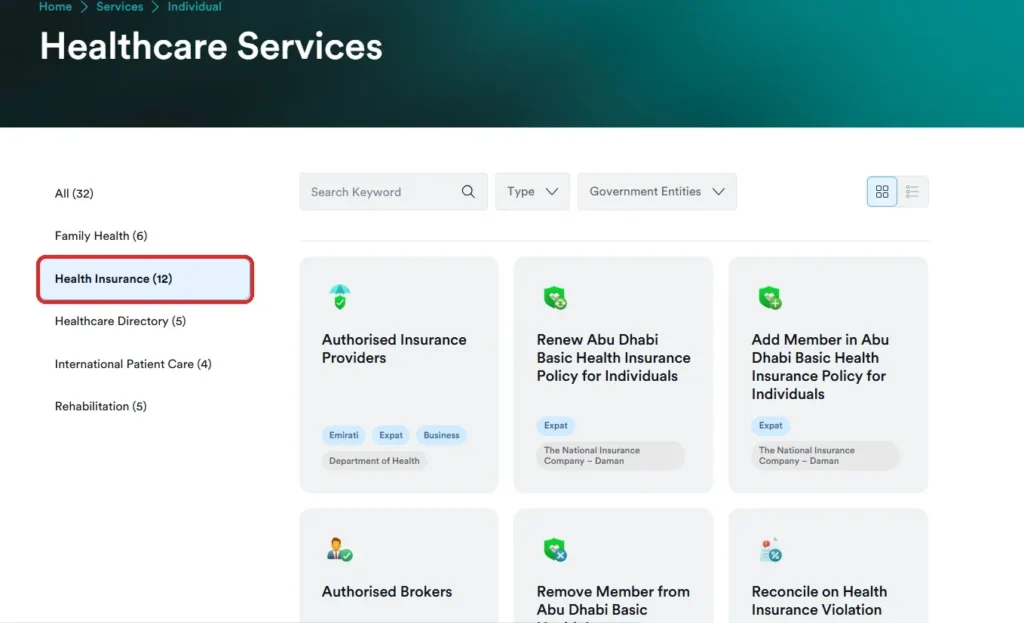
Abu Dhabi: Daman / DOH Portal
Abu Dhabi residents have two official online options:
Daman: if you are insured with Daman, log in to Daman Digital Services or the Daman app to see your policy.
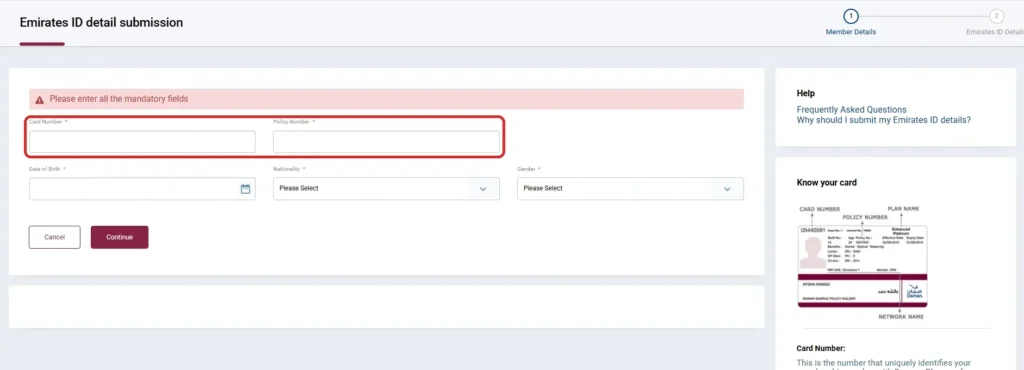
Daman also has an Emirates ID detail submission form. It is not a status check: it links your Emirates ID to your Daman card, so hospitals can find your cover with your Emirates ID. You need your card number, policy number, date of birth, nationality and gender.
Quick Comparison
Situation
Portal
What You Need
Dubai
Insurer or TPA app
Emirates ID or policy number
Abu Dhabi
Daman / TAMM
Emirates ID
Northern Emirates
Insurer, TPA or sponsor
Emirates ID or policy number
Company plan
Employer HR portal
Company login or staff ID
Direct check
Insurer or TPA portal
Emirates ID or policy number
Do You Still Need a Physical Insurance Card?
Increasingly, no. Several major providers, including Daman, have been phasing out printed insurance cards and linking coverage directly to your Emirates ID. At most hospitals and clinics, staff can look up your cover using your Emirates ID number.
If your card expired and wasn’t replaced, this is often why. Check your insurer’s app for a digital card, or confirm with them that your cover is now linked to your Emirates ID.
How to Check Through Your Insurer or TPA Directly
Many UAE policies are managed day to day by a Third-Party Administrator (TPA), not the insurer itself.
Insurer portal or app: log in with your Emirates ID or policy number, verify by OTP, and check “My Policy” or “Eligibility”.
TPA portal: if your card shows a TPA name, its portal often has the most up-to-date network and approval information.
Customer service line: give your Emirates ID, and a representative can confirm your status.
Can You Check Through Your Employer’s HR Portal?
Yes, if your plan is company-sponsored. Many employers give staff a benefits portal showing the insurer or TPA name, renewal date, plan tier and dependants. If your status looks wrong, HR is often the fastest route, because they can confirm whether your enrolment was actually submitted. A domestic worker’s insurance, by contrast, is arranged and checked by the sponsor directly, not through an employer HR system.
How to Know if Your Health Insurance is Active in UAE?
Active means your policy is valid. It does not mean every treatment is covered. Once you confirm active status, also check:
Your annual coverage limit
Inpatient and outpatient benefits
Co-payment and deductible amounts
Whether planned treatment needs pre-approval
Whether your preferred hospital or clinic is in-network
Medical Insurance Status Shows Inactive? Here’s What to Do
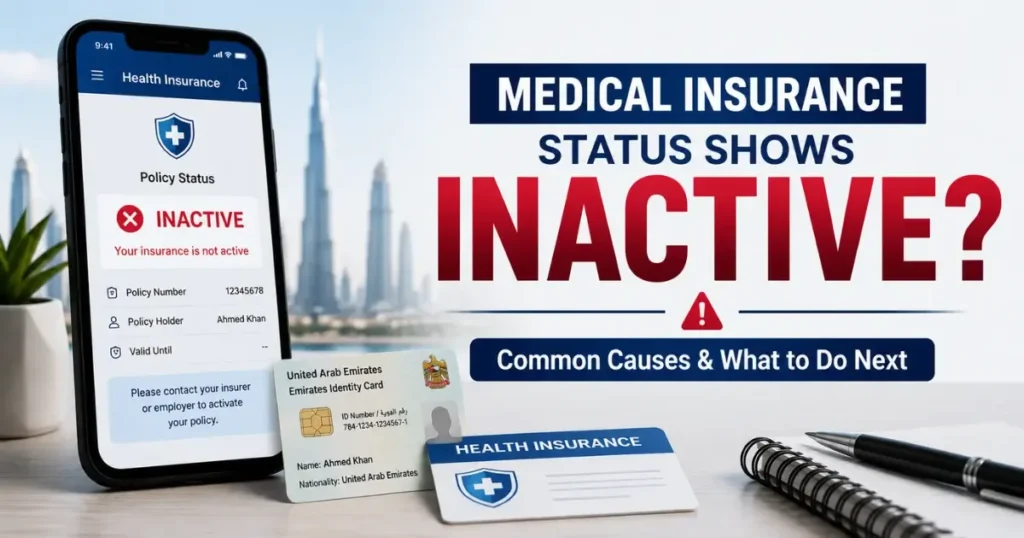
Inactive doesn’t always mean uninsured. Common causes:
Recent renewal, with a system update delay of 24 to 72 hours
A job change where the employer hasn’t uploaded the new group policy yet
Visa cancellation or renewal in progress
An Emirates ID data mismatch or typo
Policy cancellation due to unpaid premium
What to do: contact your insurer to confirm your Emirates ID details, request a manual sync on the relevant portal, or check with HR if your enrolment was properly submitted.
Common Problems When Checking Health Insurance Status in UAE
Inactive doesn’t always mean uninsured.
Problem
Likely Cause
Solution
Policy shows inactive right after renewal
System update delay
Wait 24 to 72 hours, then recheck
Emirates ID doesn’t match records
Data mismatch or typo
Confirm details with your insurer
Status shows pending after a job change
Employer hasn’t uploaded the new group policy yet
Check with HR on submission status
Visa renewal in progress
Linked residency status is still updating
Recheck once the visa process completes
Policy cancelled unexpectedly
Unpaid premium
Contact your insurer to settle and reactivate
If none of these explain it, contact your insurer directly and request a manual sync on the relevant portal.
Keeping Your UAE Health Insurance Active
Set a renewal reminder at least 30 days in advance.
Keep your contact details up to date with your insurer.
In Dubai, add a newborn within 30 days of birth, as required under DHA Procedural Directive No. 2 of 2019.
Pay premiums on time. There is no single grace period across the UAE; it depends on your insurer, so check your own policy document.
Review your network hospital list every year, as networks can change at renewal.
Coverage under a Golden Visa works slightly differently, since that eligibility is tied to your visa category rather than employment, so the check process can vary too. The same applies if you’re checking cover for a sponsored parent, the policy sits under their own visa, not yours.
Frequently Asked Questions
How can I check my health insurance status using my Emirates ID?
In Dubai and the Northern Emirates, log in to your insurer’s or TPA’s app or website with your Emirates ID or policy number. In Abu Dhabi, use Daman or TAMM. The result shows your insurer, policy status and expiry date.
How can I check my insurance status online?
Use your insurer’s or TPA’s website or app, Daman or TAMM in Abu Dhabi, or your employer’s HR portal if your plan is company-sponsored. These work with your Emirates ID or policy number.
How do I check my insurance with UAE Pass?
In Abu Dhabi, log in with UAE Pass on TAMM, then open the health insurance services. In Dubai and the Northern Emirates there is no single government lookup, so use your insurer’s or TPA’s app, which may offer a UAE Pass or Emirates ID login.
How do I check my insurance for a visa?
A residence visa can only be issued or renewed with active health insurance linked to your Emirates ID. Check your status on the portal for your emirate before you apply, so an inactive policy doesn’t hold up the application.
What if I don’t know who my insurer is?
Check your insurance card, search your email for a policy schedule or e-card, check your onboarding documents, or ask your HR department if the plan is company-sponsored.
Why does my insurance status show as inactive when I recently renewed?
The system may not have updated yet. If it still shows inactive after a few days, contact your insurer to confirm your details and ask them to update your record.
How can I find out my health insurance policy number?
Check your insurance card or your insurer’s welcome email, search your inbox for “policy schedule” or “e-card”, or ask HR or your insurer’s support team with your Emirates ID ready.
Do I still need a physical health insurance card in the UAE?
Increasingly, no. Providers like Daman have been phasing out printed cards, and most hospitals can look up your cover using your Emirates ID.
Anees is a UAE-based content creator, writer, and SEO professional with over 12 years of experience. Since 2014, he has published research-backed guides on UAE visas, labour laws, jobs, traffic fines, and government services, all verified against official sources. He is certified in SEO by HubSpot Academy and Digital Marketing by Google Digital Garage.
12+ Years ExperienceHubSpot Academy — SEOGoogle Digital Garage
Disclaimer: This information is for general guidance only, based on publicly available UAE laws and regulations. It does not constitute legal advice. Always verify with official UAE government sources or a qualified legal professional.


Your email will not be published. Comments are reviewed before appearing.